Minimal Business Card Template Design: A Practical Guide to Professional Presentation
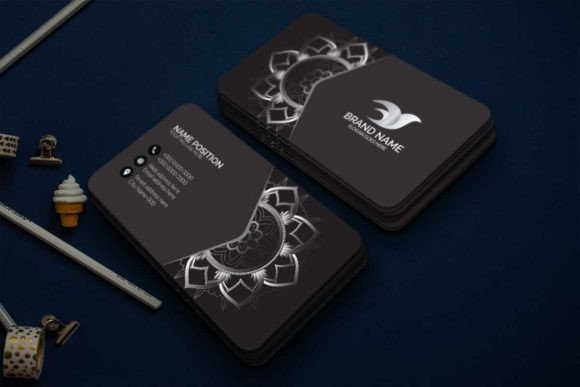
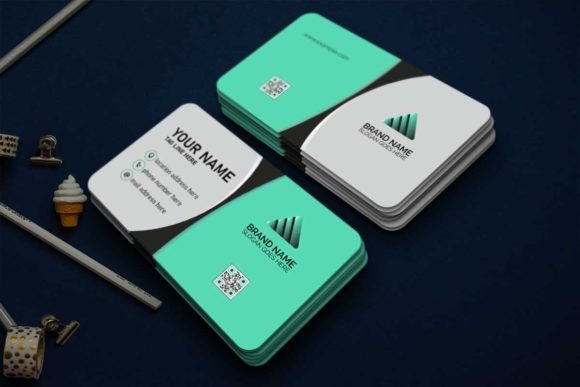
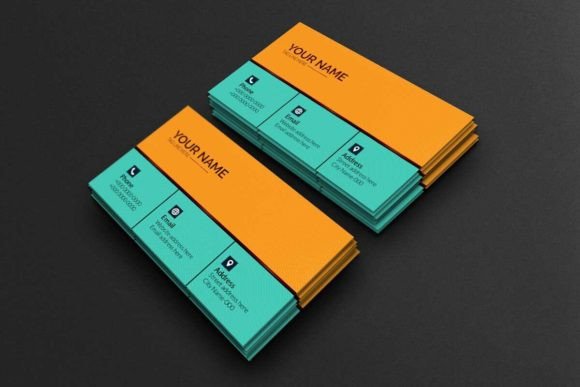
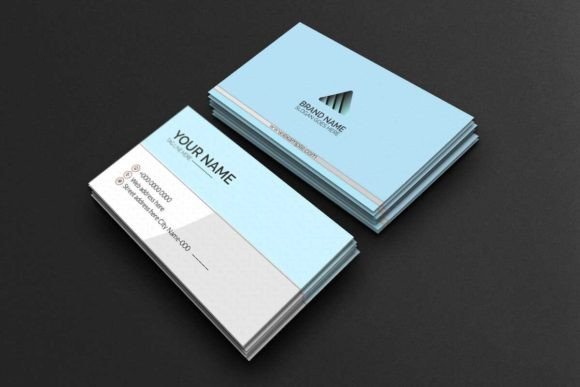
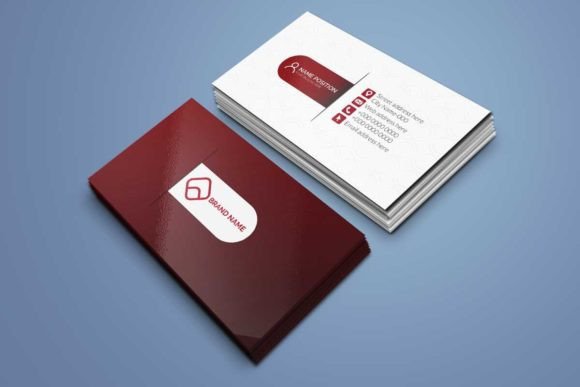
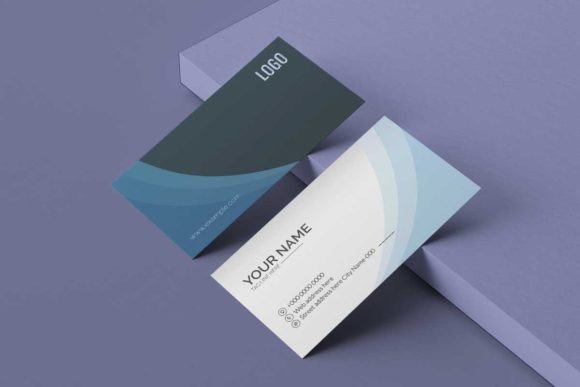
In a world where first impressions are often formed in less than three seconds, the quality of your physical contact card matters more than you might realize. Many professionals rush through the design process, opting for generic templates that fail to convey their unique value. This is where a Minimal Business Card Template Design becomes a strategic asset rather than just a graphic file. It offers an elegant and premium foundation that allows you to present yourself in a stylish and professional way without the need for expensive graphic design services.
This product is not merely a collection of colors and fonts; it is a fully customizable template compatible with Adobe Photoshop and Adobe Illustrator. The download includes IDML files, precise bleeds, paragraph styles, separate layers, and links to free fonts. By choosing this approach, you ensure that your business cards are vector shapes that remain crisp at any size, making them resizable for various needs while maintaining high-quality standards.
The Hidden Pitfalls of DIY Business Card Design
While creating your own materials sounds like a cost-effective solution, many users fall into traps that result in print failures or unprofessional outcomes. One of the most common mistakes involves ignoring color mode specifications. If you design in RGB (the standard for screens) instead of CMYK Color (the standard for printing), your final printed cards will look dull and washed out compared to your digital preview. Our template is set up specifically in CMYK to prevent this frustration, ensuring that the vibrant tones you see on screen translate accurately to paper.
Another frequent error is neglecting bleed settings. Bleed refers to the area of the design that extends beyond the trim line of the card. Without proper bleed, printers may cut slightly off-center, leaving unwanted white edges on your finished product. This template includes pre-configured bleeds, saving you from the technical headache of calculating margins manually. Furthermore, many beginners overlook resolution requirements. Printing at 72dpi, which is standard for web images, results in pixelated text and blurry graphics when scaled up. This design ensures a crisp 300dpi output, guaranteeing that every detail remains sharp.
There is also the issue of font licensing. Using a trendy font without verifying its license can lead to legal issues or unexpected costs later. This template provides links to free fonts, allowing for easy customization without compromising on typography rights. Additionally, relying on raster images (pixels) rather than vector shapes limits your ability to resize elements without losing quality. Since this package utilizes vector shapes, you can scale logos or geometric elements infinitely without degradation.
Maximizing Efficiency with Layered Files
The structure of your design file dictates how easily you can edit it. A poorly organized file can turn a simple task, like changing a phone number, into a nightmare of hunting through nested groups. This template features separate layers, which means you can isolate specific elements—such as the background, text, or icons—and edit them independently. This organization is crucial for efficiency, especially if you are working under tight deadlines or collaborating with others.
For those using Adobe Illustrator CC, the included AI file contains both sides of the card in a single document. This setup streamlines the workflow, allowing you to view the front and back simultaneously and make adjustments that affect the overall balance of the design. The inclusion of paragraph styles further simplifies text editing. Instead of manually formatting each character, you can apply consistent styles across your entire card, ensuring uniformity in font size, weight, and spacing. This attention to typographic consistency is what separates amateur designs from premium ones.
It is also important to consider the dimensions carefully. Standard business cards are typically 3.5×2 inches, but some industries or regions prefer different sizes, such as 2×3.5 inches. This template supports these standard dimensions, ensuring compatibility with most commercial printers. However, always verify the specific requirements of your chosen printing service before sending your file. While the template is designed to be easy editable, the final output depends on the printer's capabilities.
Evaluating Your Choices Before You Print
Before downloading or purchasing any template, it is wise to evaluate whether it truly fits your brand identity. A minimal design is powerful because it strips away distractions, but it requires strong content to stand out. If your message is weak, a beautiful layout cannot save it. Check the ZIP archive contents to ensure they include all necessary formats. For instance, having an AI file is essential for vector-based editing, while IDML files are ideal for InDesign users who need advanced layout control.
Consider the longevity of your design choices. Trends change rapidly, but minimalism tends to have a longer lifespan due to its timeless appeal. When customizing the template, avoid overcrowding the space with too much information. Leave negative space around your logo and text; this breathing room enhances readability and conveys confidence. Overloading a card with contact details can make it look cluttered and desperate for attention, which is the opposite of the premium feel this template aims to achieve.
Another practical consideration is the paper stock you choose. Even the best-designed template will look poor if printed on flimsy, low-quality paper. Pair this template with a thick cardstock or a textured finish to elevate the tactile experience. The combination of a clean design and high-quality materials creates a memorable impression that encourages recipients to keep the card rather than discard it immediately.
Practical Steps for a Flawless Result
To get the most out of this resource, start by opening the provided AI file in Adobe Illustrator CC. Take time to explore the layer panel and understand how the elements are grouped. Replace the placeholder text with your actual information, ensuring that you use the linked free fonts to maintain the intended aesthetic. If you need to add a logo, import it as a vector file to preserve its sharpness. Remember to check the bleed lines to ensure no critical content sits too close to the edge.
If you are new to design software, don't be intimidated. The separate layers and clear structure are designed to guide you through the process. You do not need to be an expert to create a professional result; you simply need to follow the template's structure and respect the design principles embedded within it. By avoiding common pitfalls like incorrect color modes, low resolution, and poor font usage, you can produce a business card that reflects your professionalism and attention to detail.
Ultimately, the goal of a Minimal Business Card Template Design is to facilitate effective communication. It serves as a bridge between you and your potential clients, partners, or colleagues. By investing time in understanding the technical requirements and utilizing the tools provided in this package, you ensure that your first interaction leaves a lasting, positive impact. Whether you are a freelancer, a small business owner, or a creative entrepreneur, this template offers the flexibility and quality needed to elevate your personal brand.