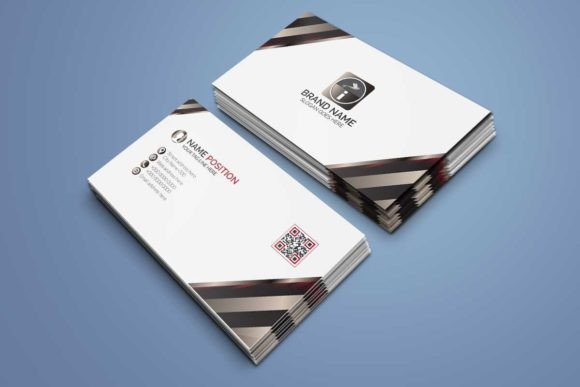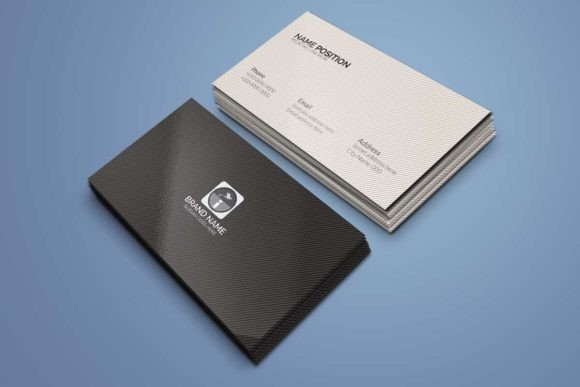
Professional Dark Business Card Design: Elevating Your Brand Identity
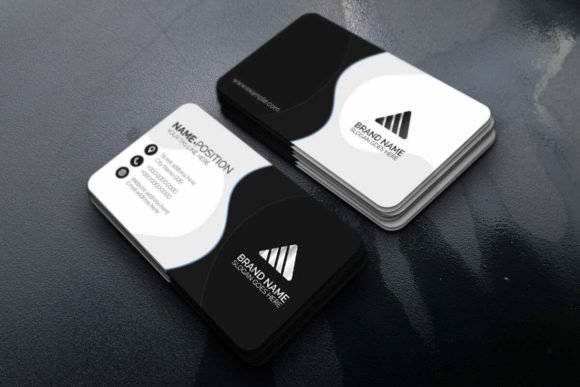
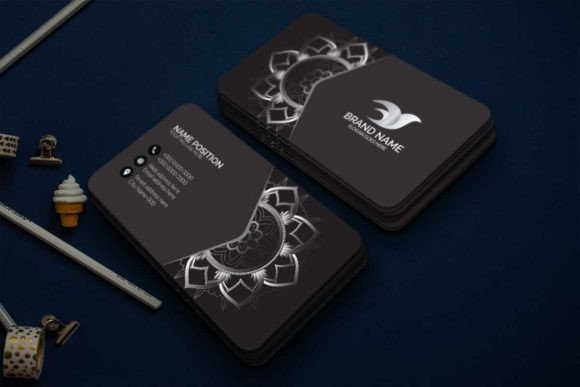
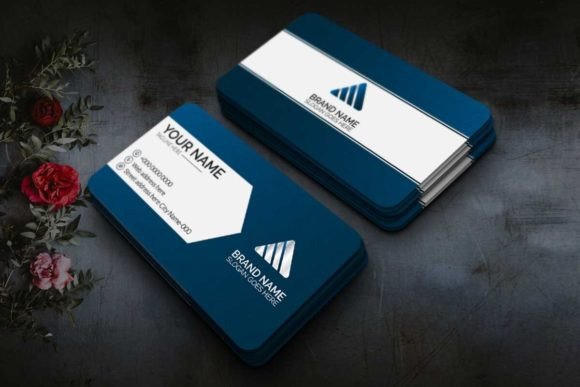
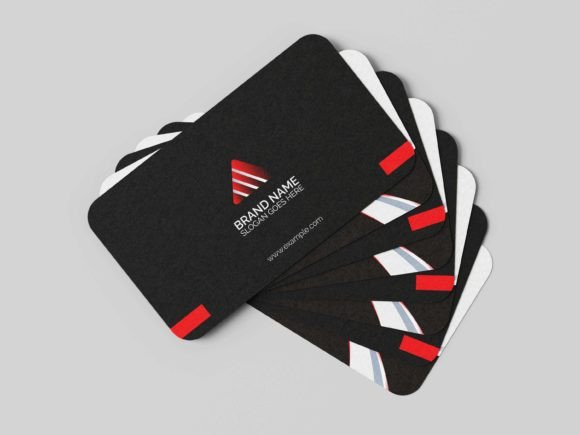
In a world where digital interactions often replace face-to-face meetings, the physical business card remains a powerful tool for making a lasting first impression. However, not all cards are created equal. A Professional Dark Business Card Design stands out precisely because it moves away from the generic white stock and embraces a sophisticated aesthetic that signals authority, elegance, and modernity. This template is not merely a collection of colors; it is a strategic asset designed to help you present yourself in a stylish and professional way.
Many entrepreneurs and freelancers assume that a dark background automatically looks premium. While the allure of deep blacks and charcoal grays is undeniable, achieving that look without compromising readability or print quality is a common pitfall. This guide explores why this specific design works, the technical nuances you must understand before downloading, and how to avoid the costly mistakes that ruin otherwise beautiful layouts.
Why Choose a Dark Theme for Professional Branding?
The decision to go dark is often about psychological impact. Dark tones convey stability, luxury, and confidence. For professionals in creative industries, finance, law, or high-end consulting, a light-colored card can sometimes feel too casual or forgettable. A well-executed dark theme creates contrast and draws the eye immediately to your name and contact details.
This particular template leverages CMYK color profiles optimized for print, ensuring that the rich blacks do not turn muddy or gray when pressed. It is compatible with Adobe Photoshop and Adobe Illustrator, giving you the flexibility to tailor every element to your personal brand. Whether you are a marketer looking to stand out at a networking event or an educator wanting to leave a memorable takeaway, the versatility of this design allows for a customized approach that feels authentic.
Critical Technical Details You Cannot Ignore
One of the most significant errors users make when purchasing or downloading templates is overlooking the technical specifications required for high-quality printing. A beautiful design on your screen can look disastrous if printed incorrectly. Before you finalize your order or open the files, ensure you understand the following requirements.
- Resolution and Color Mode: The file is set to 300dpi in CMYK mode. Many beginners mistakenly use RGB settings intended for screens. If you send an RGB file to a printer, the colors will shift, often turning vibrant blues into dull greens or washing out the dark tones entirely. Always verify your final export settings match these specifications.
- Bleed and Margins: The download includes pre-set bleeds. Ignoring these can result in your design being cut off awkwardly during trimming. A bleed ensures that the dark background extends past the edge of the card, preventing unsightly white lines if the cutter shifts by even a fraction of an inch.
- File Formats: The ZIP archive includes AI (Adobe Illustrator) and IDML files. These formats preserve vector shapes, allowing you to resize your card to different dimensions without losing quality. Do not flatten layers prematurely, as this makes future edits difficult and time-consuming.
Avoiding the "Flat Black" Trap
A frequent misunderstanding regarding dark designs is the use of pure black (C=0, M=0, Y=0, K=100). While this looks sharp on a monitor, it often results in a flat, lifeless appearance when printed, especially on standard card stocks. Professional printers recommend using a rich black formula (a mix of Cyan, Magenta, Yellow, and Key/Black) to achieve depth. This template accounts for this by providing paragraph styles and layer setups that facilitate the correct ink density. Failing to adjust your blacks can make your card look cheap rather than premium.
Maximizing Customization Without Compromising Structure
The value of this template lies in its editability. It comes with separate layers, links to free fonts, and easy-editable text boxes. However, customization requires discipline. It is tempting to add too much information or change the font hierarchy to fit more content. When you clutter a dark card, you lose the very elegance that made you choose it in the first place.
Consider the balance between negative space and typography. In a dark design, white or light-colored text acts as the focal point. If you overcrowd the layout, the reader's eye has nowhere to rest, leading to confusion. Instead of adding more text, focus on refining the existing elements. Use the vector shapes provided to create subtle visual interest without overwhelming the core message.
If you are new to graphic design, the included IDML files and paragraph styles are invaluable resources. They allow you to apply consistent formatting across both sides of the card (3.5×2 and 2×3.5 inches) with a single click. This consistency is crucial for maintaining a professional image. Inconsistent spacing or font sizes can signal a lack of attention to detail, which clients may interpret as a reflection of your work ethic.
Evaluating Your Choices Before Printing
Before sending your design to the press, take a moment to review your choices critically. Are the free fonts linked correctly? Have you checked for typos? Once a card is printed, correcting a mistake is expensive and wasteful. A small error in a phone number or email address can render the entire batch useless, forcing you to start over and incur additional costs.
Additionally, consider the paper stock. A dark design relies heavily on the texture and finish of the card. Glossy finishes can enhance the vibrancy of the colors but may show fingerprints easily. Matte finishes offer a more tactile, sophisticated feel that complements the dark theme perfectly. Some designers opt for spot UV varnish on the logo or name to create a striking contrast against the matte black background. Experimenting with these finishing touches can elevate the card from a simple piece of paper to a tangible extension of your brand.
The Impact of Quality on Perception
The difference between a good business card and a great one often comes down to execution. A Professional Dark Business Card Design that is poorly executed—whether through low resolution, incorrect margins, or messy editing—can damage your credibility. On the other hand, a well-crafted card demonstrates that you care about the details. It suggests that you are organized, professional, and respectful of the recipient's time.
By utilizing the features provided in this template, such as the resizable vector shapes and organized layer structure, you ensure that your final product meets industry standards. Take advantage of the free fonts included, but always check their licensing terms to ensure they are suitable for commercial use if you plan to use them extensively in other marketing materials.
Making the Right Decision
When evaluating options for your branding, look beyond just the visual appeal. Consider the usability, the technical support provided (like the included links to fonts), and the flexibility of the software compatibility. This template offers a robust foundation that works for everyone from hobbyists to seasoned executives. By understanding the technical requirements and avoiding common pitfalls like improper color modes or cluttered layouts, you can produce a card that truly represents your professional identity.
Remember, your business card is often the only physical touchpoint you have with a potential client. Make it count. Ensure your design is crisp, your information is accurate, and your presentation is polished. With the right approach and a high-quality template, you can create a lasting impression that opens doors and builds trust.